Your creativity, on display.
Arrange text, images, videos, shapes and clocks in the visual editor. Start with a template or create your own layout, in landscape or portrait.
Visual editor and templates
Turn your screens into a new way to communicate. Create, schedule and update the content in your spaces, all from one place.
Shops
Restaurants
Hotels
Offices
Schools and events
FEWER STEPS. MORE POSSIBILITIES.
A changing menu, a warm welcome, a new promotion. With Visioviva, your ideas find their place.
Arrange text, images, videos, shapes and clocks in the visual editor. Start with a template or create your own layout, in landscape or portrait.
Visual editor and templatesUpload images and videos to your library. Find them with search and tags, then add them to your scenes without leaving your workflow.
Organised media libraryChoose the order and duration of your scenes. Rotate them at intervals or schedule changes at specific times, on the days and dates you need.
Scenes and schedulingManage devices from your browser, publish to your chosen screen and check both its connection and confirmation of the programme being played.
Remote management and monitoringContent already downloaded can keep playing offline, depending on the player’s capabilities and available storage.
Playback with local cachingOrganise work in dedicated spaces and assign roles and permissions. Keep programme versions and decide when to publish your changes.
Access, roles and versionsFROM IDEA TO PLAYBACK
One Studio in your browser. A clear path to showing exactly what you want on screen.
Choose a template, add your content and arrange your scenes.
Check the previews, durations and destination screen.
Confirm the version to display. You decide when to update.
Check that the player has confirmed playback of the version you sent.
Your changes wait for your go-ahead.
Saving a draft does not change what is playing on screen.
Try switching scenes. This illustrates the workflow, rather than showing the actual Studio interface.
DIFFERENT SPACES. THE SAME SIMPLICITY.
From the reception desk to the shop window, your message becomes part of the experience.
 FAST FOOD · DIGITAL MENUS
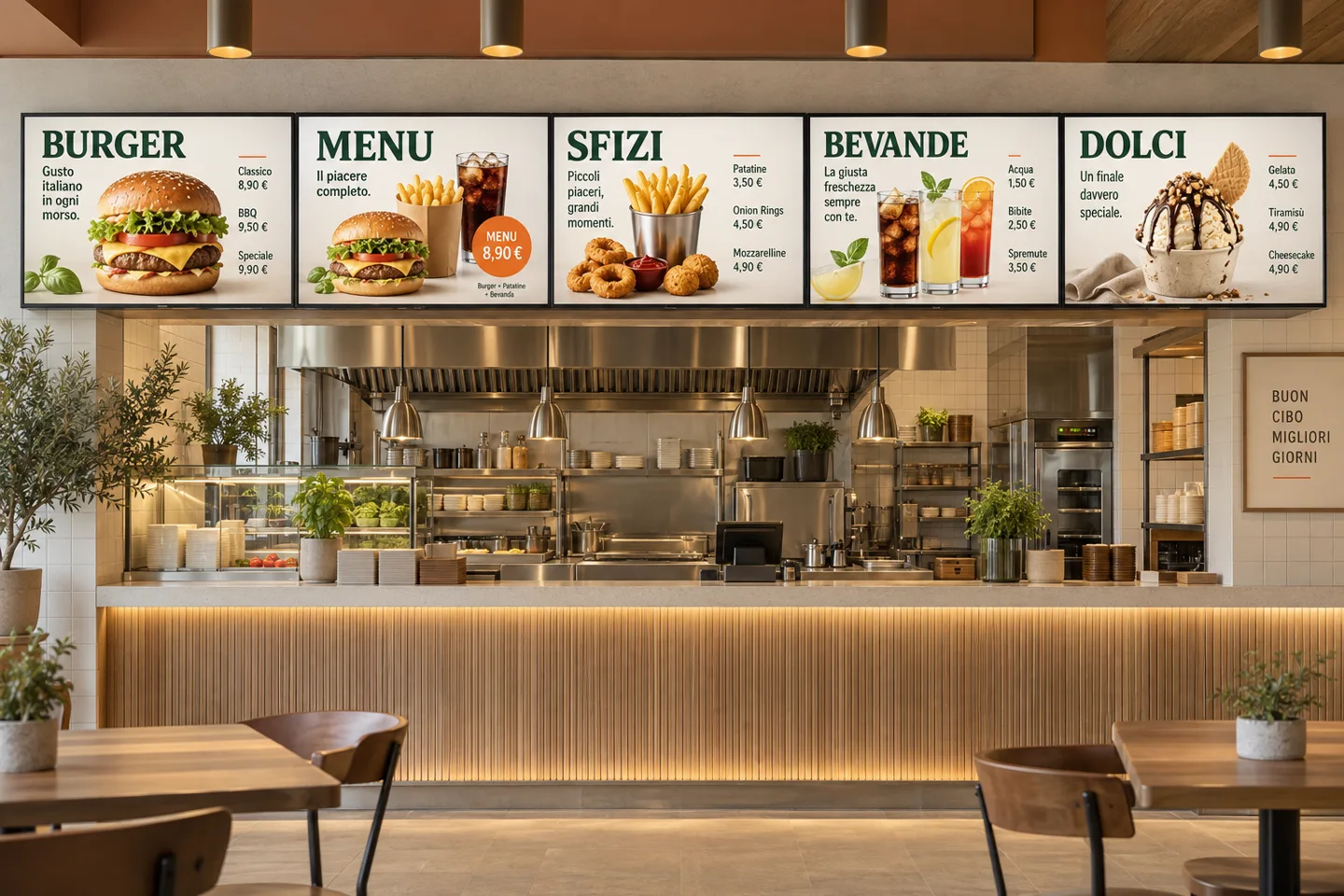
Burgers, meal deals, sides, drinks and desserts: each screen showcases part of your menu. Prepare the content in Studio and choose what to show on each display.
Fast food Food courts Quick-service restaurants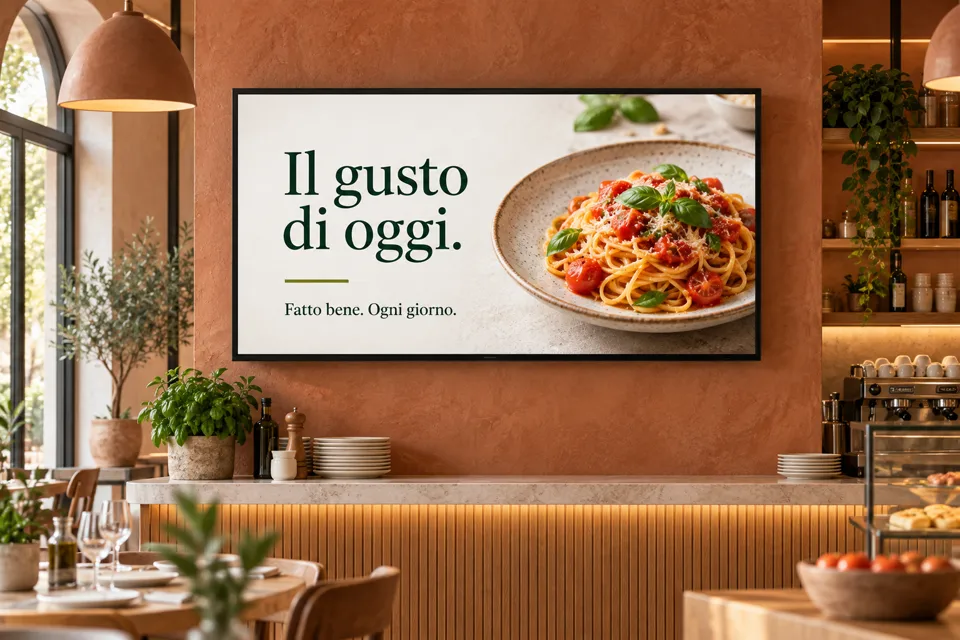 FOOD AND DRINK
Daily specials, photos of your dishes and messages to rotate throughout the day.
Restaurants Bars Cafés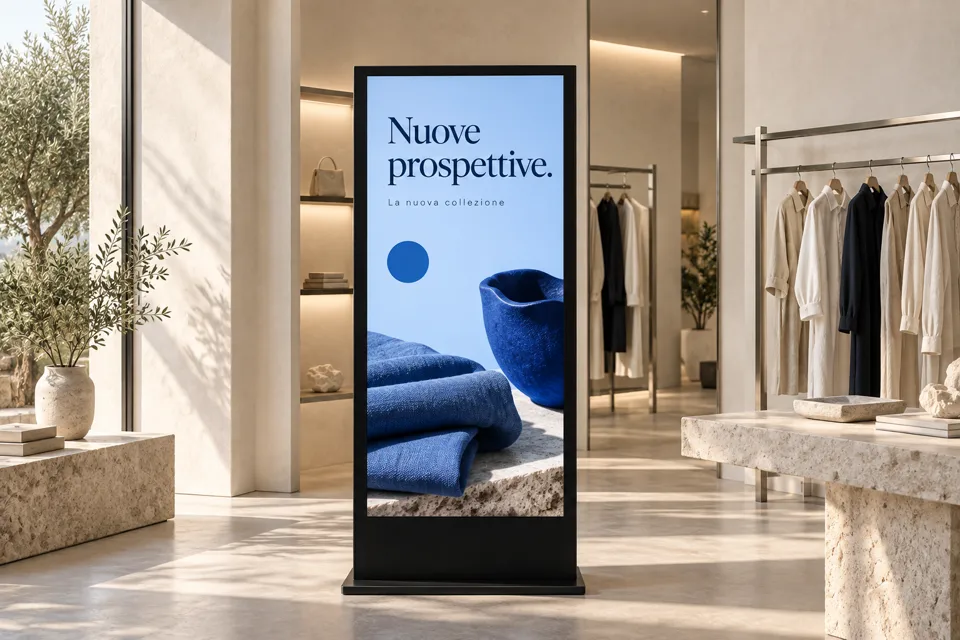 RETAIL
New collections, promotions and details worth a closer look. Give your shop’s personality room to shine.
Shops Showrooms Exhibition spaces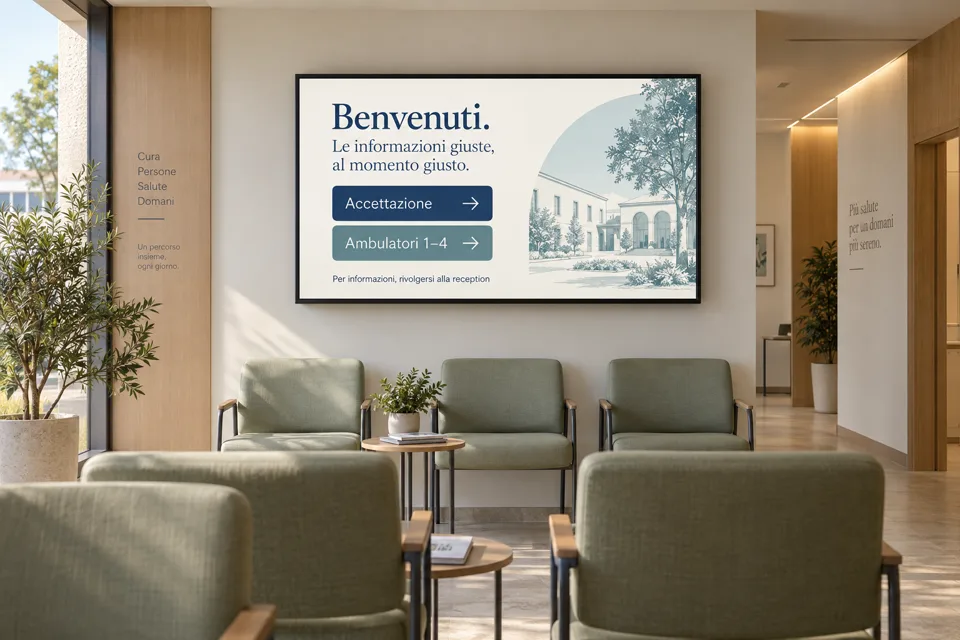 HEALTHCARE · WAITING ROOMS
A WARM WELCOME STARTS WITH CLEAR INFORMATION
Directions to consultation rooms, opening hours and service notices. Share useful information in waiting rooms and update it from one Studio.
Medical centres Outpatient clinics Healthcare practicesAnd hotels, offices, schools and events. Welcome messages, notices and schedules: choose your story.
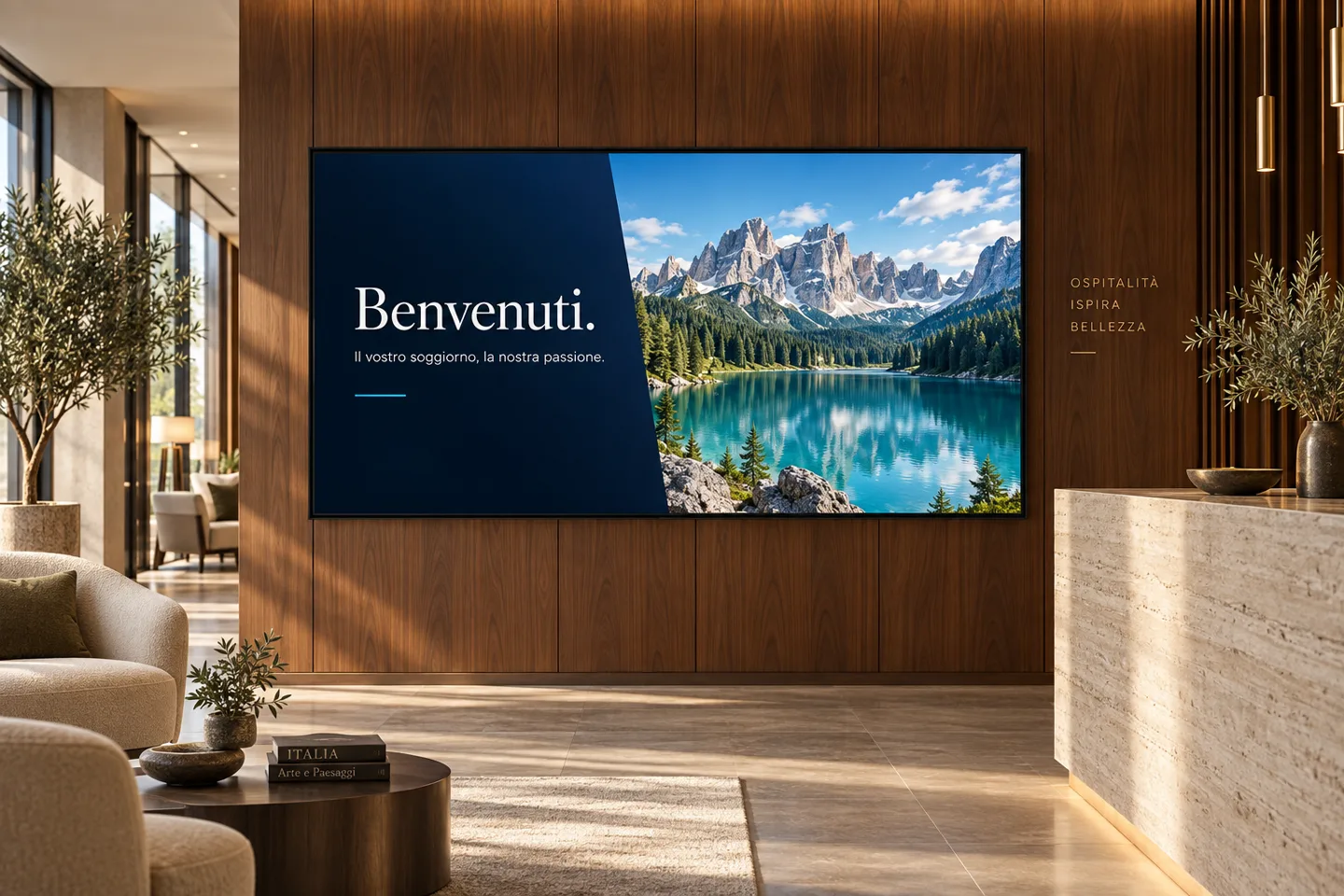
One place to manage it allThese generated demo images illustrate possible settings, not customer installations. The screen content shown in the photographs is in Italian.
CLOSE TO EVERY SCREEN, FROM ONE PLACE
Prepare your content in Studio, choose a screen and send the programme. Manage different messages for different spaces, all from the same browser.
Select a location on the map to see an example.
Illustrative map with example locations. Each programme is sent to the screen you choose; you can check its playback confirmation in Studio.
YOUR IDEAS, RIGHT ON THE SCREEN
Write, move, make it yours. With the WYSIWYG visual editor, work directly on your layout and see every change as you make it. No coding needed.
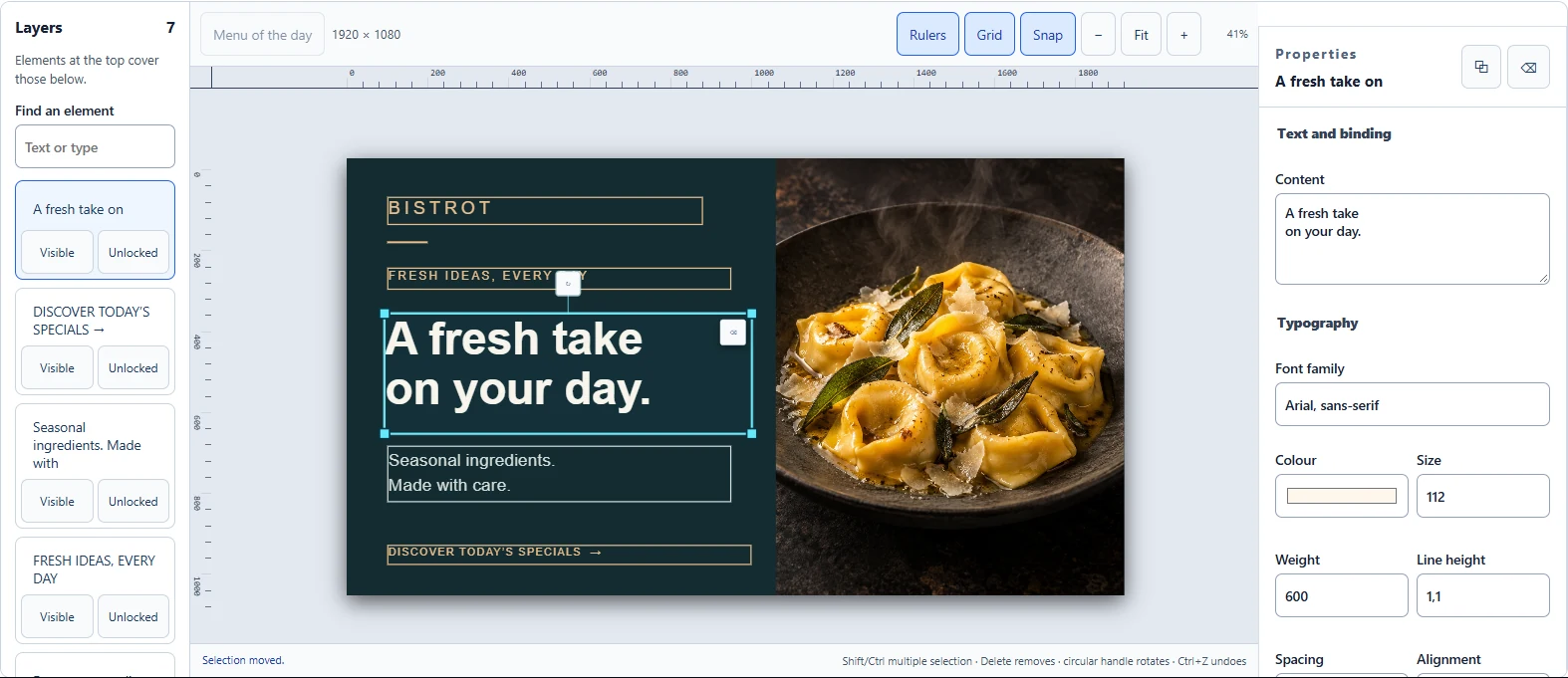
Screenshot of the actual editor with demo content. On mobile, a closer view of the canvas.
Enlarge the screenshot (new tab)Choose a template or create your own layout with text, images and shapes.
Drag and resize elements, change text and colours, and see the result as you go.
Save your draft and check the preview. Your content goes to the screen when you give the go-ahead.
PRICING
We’re putting the Visioviva offering together. Plans, pricing and included features will appear here when they’re ready.
The trial opens soon: your first opportunity to explore Visioviva and see how it could work in your spaces.
LET’S MAKE THINGS CLEAR
A little context,
before you get started.
Visioviva is a digital signage platform for creating and managing content on screens and freestanding displays. From Studio in your browser, you create scenes, set schedules and send the programme to your chosen device.
You use a visual editor to add text, images and videos, arrange scenes and work from customisable templates. You don’t need to write code to create a programme.
That depends on the device playing the content and how it connects to the screen. The project includes Web, Windows and Android players; compatibility and trial requirements will be listed at launch. Not every smart TV or streaming stick is automatically compatible.
The player can keep showing content already downloaded to its local cache, within the limits of the device and available storage. Initial pairing, new content downloads and updates require a connection.
You can find and monitor the devices in your space in Studio and send a programme to its destination screen. For each device, you can check the connection status and the latest confirmed playback.
The trial opens soon. We’ll publish the launch date, how to access it, its duration and its terms on this page. Sign-ups are not open yet.
We’re putting the finishing touches on Visioviva.
Soon you’ll be able to try it and give your spaces a new voice.